
If you’ve ever struggled to dig out your physical driver’s license from your purse or wallet or worried about misplacing your ID while going through security, you now have a more convenient option! Coloradans with a state-issued driver’s license or identification card can now add their mobile driver’s license, or mDL, to their myColorado® app for use as proof of identity at Denver International Airport TSA checkpoints.
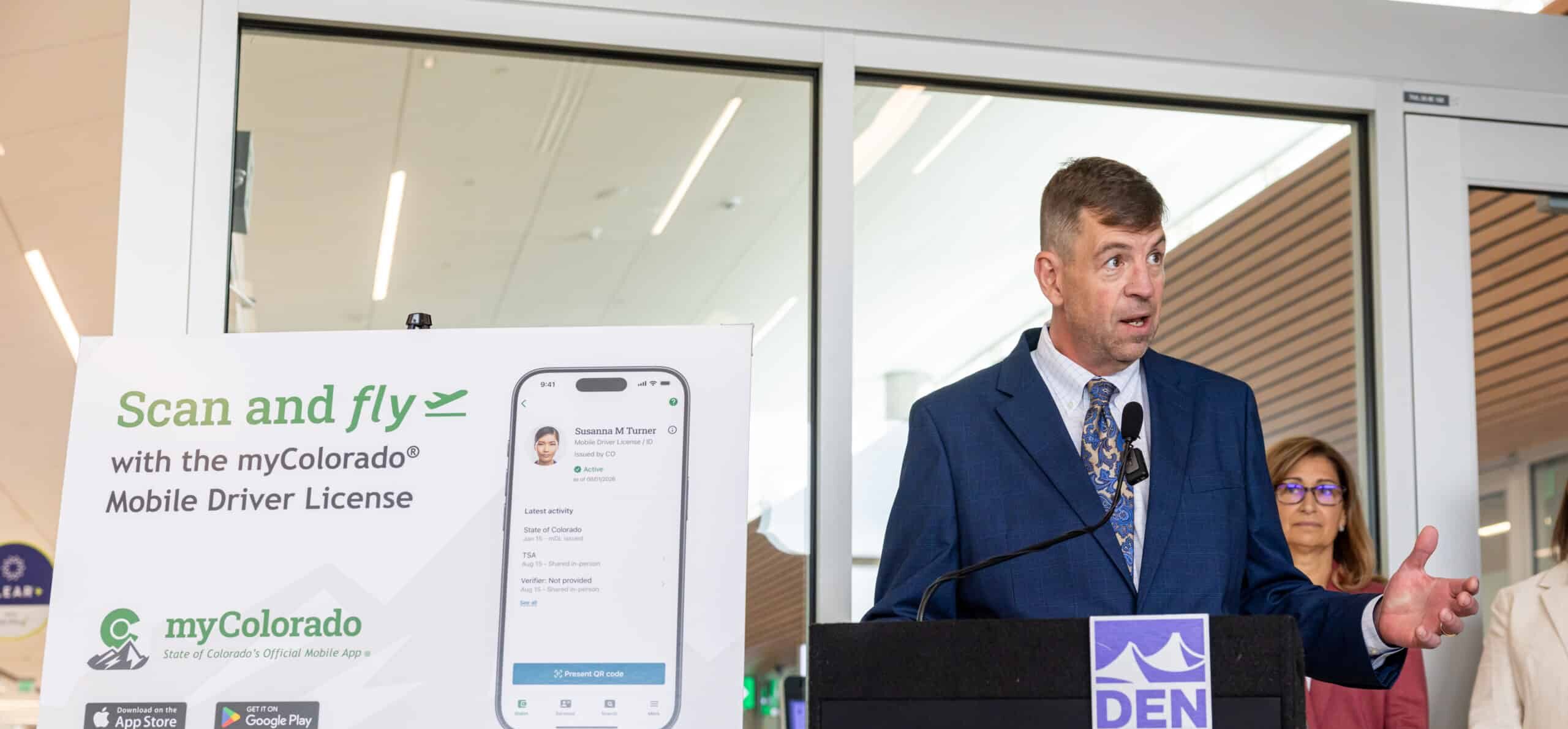
Setting up an mDL in the myColorado takes only a few minutes before heading to the airport.
Step 1: Download the myColorado app to your Apple or Android device. Tap Add your myColorado mDL in the Wallet.
Step 2: Review the details and tap Add mDL.
Step 3: Scan the front and back of your physical ID and take a selfie.
Step 4: Review your information and tap Continue. Your information will be then shared with the Colorado DMV for verification. Approval from the DMV may take a short amount of time. If there are any problems or additional further review is needed to issue your mDL, additional instructions will be displayed in the app. Once approved, your mDL will appear on the Wallet screen as myColorado mDL.
To use your mDL once you’ve arrived at a TSA checkpoint, open the myColorado app and tap myColorado mDL from the Wallet. Next, tap Present QR code. Then allow the reader device to scan your QR code. Review the information requested and tap Approve. Once the information is sent, you will see a Success message with a checkmark on your device, indicating that your information was successfully exchanged.
If you previously used your Colorado Digital ID in the myColorado app, travelers still need to add the mDL for use at TSA checkpoints. While the mDL is the only ID that can be used at the airport, your Colorado Digital ID can be used for in-state proof of ID, age and addresses at Colorado businesses and state agencies.
While you should always carry your physical driver’s license or state-issued ID card as a backup, the convenience of using your phone as your identification while traveling through DEN is one less thing to worry about. Visit https://mycolorado.gov/mycolorado-mdl to learn more.